

Clinical records
Clinical records and reviewed capture
Keep notes and supporting documents with the patient record, with staff review before saving.
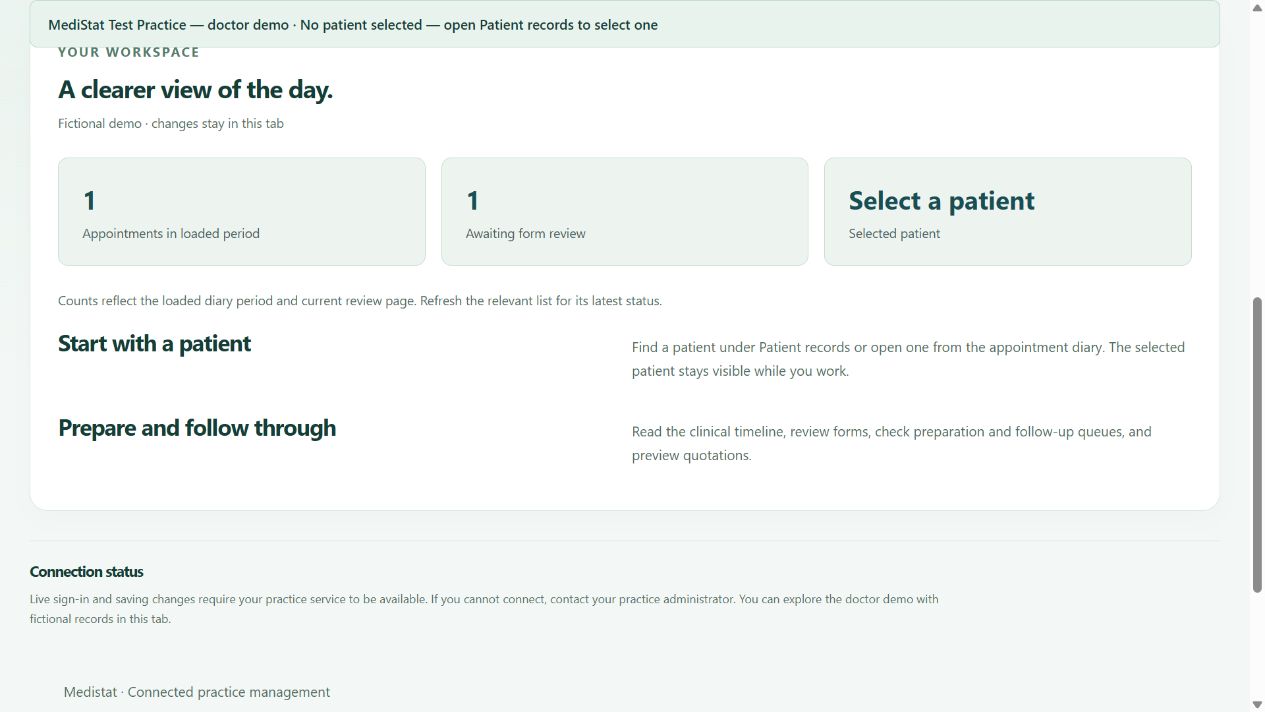
Find notes and documents for the right patient
The installed Medistat software includes typed clinical notes, supporting documents and patient information available to authorised accounts. Selected tools for doctors in the browser support document access, questionnaires and a patient’s clinical history.
Help with entering information
Configured tools can assist with voice dictation, hospital stickers, forms and day sheets. Availability depends on the installed release and service setup. Staff must review extracted text, identifiers and amounts before saving.
Help with entering information does not replace clinical judgement. Clinicians remain responsible for final review and sign-off. The public Mila guide does not access patient records or provide medical advice.
Who can view or change a record?
Your account and linked practice determine the tools and records you can access. Your practice administrator manages this access.
The browser provides selected tools for doctors. Use the installed Medistat software for the wider clinical workflow and final actions where required.
A clearer workflow
Confirm the patient
Check the selected patient and practice before opening or capturing information.
Review the information
Check documents and any assisted text before relying on it.
Save through the right workflow
Use authorised browser tools or the installed programme where required.
Discuss your practice’s needs
Ask our software team about availability, installation and a demonstration.
Call 011 854 8012. Contact your healthcare practice for appointments, patient accounts or medical advice.