

Appointments
Appointments, from diary to patient access
Keep appointment planning and patient access connected to the right practice.
For practice teams
The installed Medistat software supports appointment diary and reception workflows. The doctor browser offers selected booking, rescheduling and appointment-status tools for authorised practices.
For patients
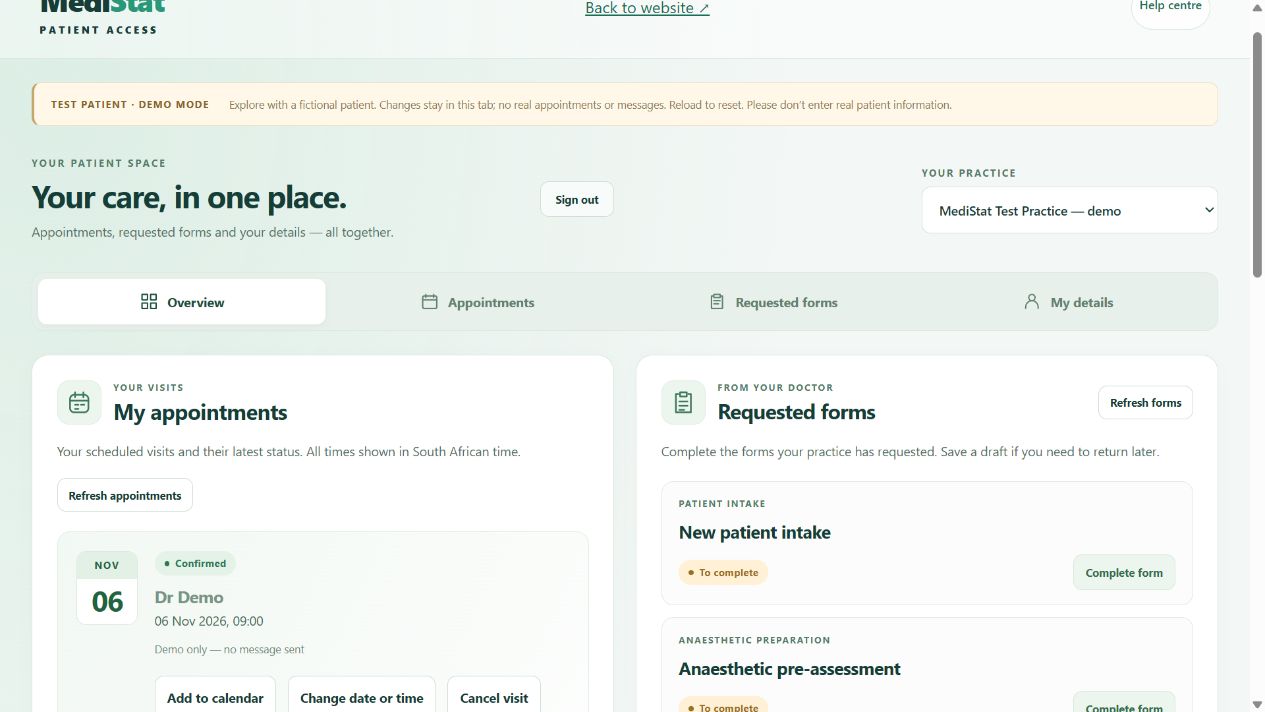
After accepting a practice invitation, patients can use enabled appointment tools. A displayed available slot is not a confirmed booking. Check the returned booking status and contact the practice if it is unclear.
Availability depends on your practice’s online connection and account permissions. For an urgent appointment or medical concern, contact your healthcare practice directly.
From invitation to a checked visit
Illustrated patient journey. Available tools depend on your practice’s setup.
Link to your practice
Use the invitation supplied by your healthcare practice and confirm its details.
Choose an enabled option
Review the available appointment tools and submit the request you need.
Read the returned status
A displayed slot is not a reservation. Check the result and contact your practice if unclear.
Discuss your practice’s needs
Ask our software team about availability, installation and a demonstration.
Call 011 854 8012. Contact your healthcare practice for appointments, patient accounts or medical advice.